
Frequently changing prices or stock levels? Learn why Google Merchant Center may disapprove products and how to prevent product data mismatches.
Google Merchant Center May Disapprove Products with Frequently Changing Prices. What Should You Check?
You launch a morning promotion, adjust several prices at lunchtime, and end the discounts in the evening. Everything looks correct in your online store. But what prices does Google see during those changes?
In its current Merchant Center documentation, Google warns that automatic item updates may not work for products with frequently changing prices or availability. If a mismatch is detected, a product may be disapproved instead of having its information automatically updated.
In this article from Grow Easy, we'll explain what this means, which products deserve your attention first, and how to reduce inconsistencies between your online store and your Google product catalogue.
What Exactly Does Google Say?
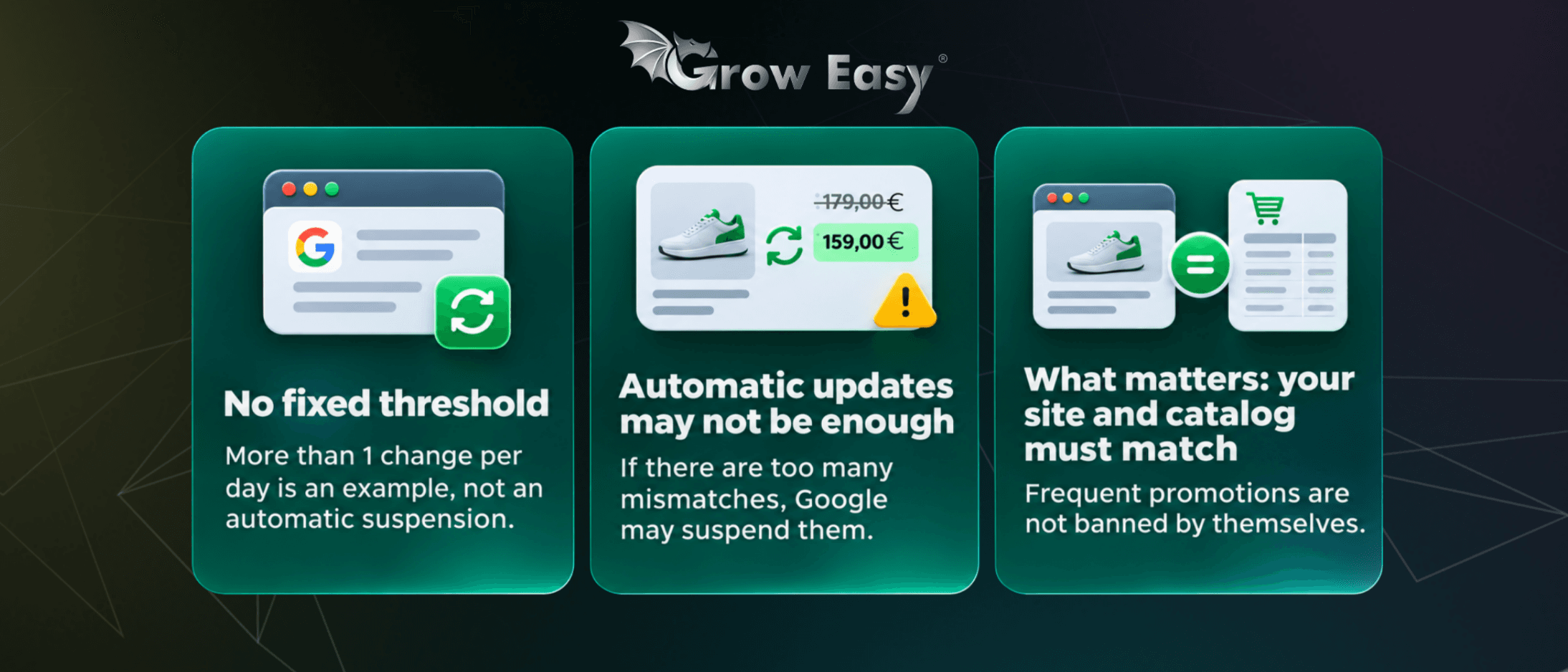
In its documentation on automatic product information updates, Google gives changes occurring more than once per day as an example of frequent updates. However, this is not an officially defined threshold after which every product is automatically disapproved.
The warning concerns the limitations of automatic item updates. When product values change frequently, this feature may not be able to correct detected mismatches.
Google also explains that automatic updates may stop working if the total number of detected discrepancies becomes too large.
This means frequent promotions are not prohibited. The important question is whether the product data submitted to Merchant Center matches the information Google finds on your website.
The documentation does not introduce specific requirements for Bulgaria. It describes how the feature works and does not confirm the availability of Google Shopping for any particular market or account.
Why Aren't Automatic Item Updates Enough?
Automatic item updates use information from your product pages to correct certain discrepancies in Merchant Center.
They can help keep product information accurate across Shopping ads and free listings, but they are not a substitute for regularly submitting up-to-date product data.
Consider a simple example.
An online store reduces a product's price from €120 to €99 at 10:00 AM, but its product feed is not updated until the evening.
During that time, the website and Merchant Center may display different prices.
For businesses running Google Ads campaigns, effective campaign preparation also involves maintaining consistency between the advertised offer, product data, and landing page.
Increasing your advertising budget cannot compensate for a product that has been disapproved because of inaccurate information.
Start by Checking an Affected Product
Open Google Merchant Center and navigate to the Needs attention section to review issues affecting your products.
Identify whether the warning relates to pricing, availability, or automatic updates that have stopped working. Also check which advertising or listing destinations are affected.
Next, select one product and examine its entire data journey.
Compare the price or availability shown in your store, the information submitted through your product feed, and the data processed by Merchant Center.
Record when the product information was last changed and when the issue was detected.
Compare Product Data from the Same Point in Time
A price that appears correct today may have been different when Google last checked the product page.
That's why the timing of the detected mismatch matters.
Look at the sequence of events:
- When did the promotion begin?
- When was the product update submitted?
- Was the update processed successfully?
- When did Merchant Center report the discrepancy?
This approach helps you move beyond identifying an error and towards understanding its actual cause.
What Should You Check in Prices and Promotions?
Your product feed is the data source through which your online store submits product information to Google Merchant Center.
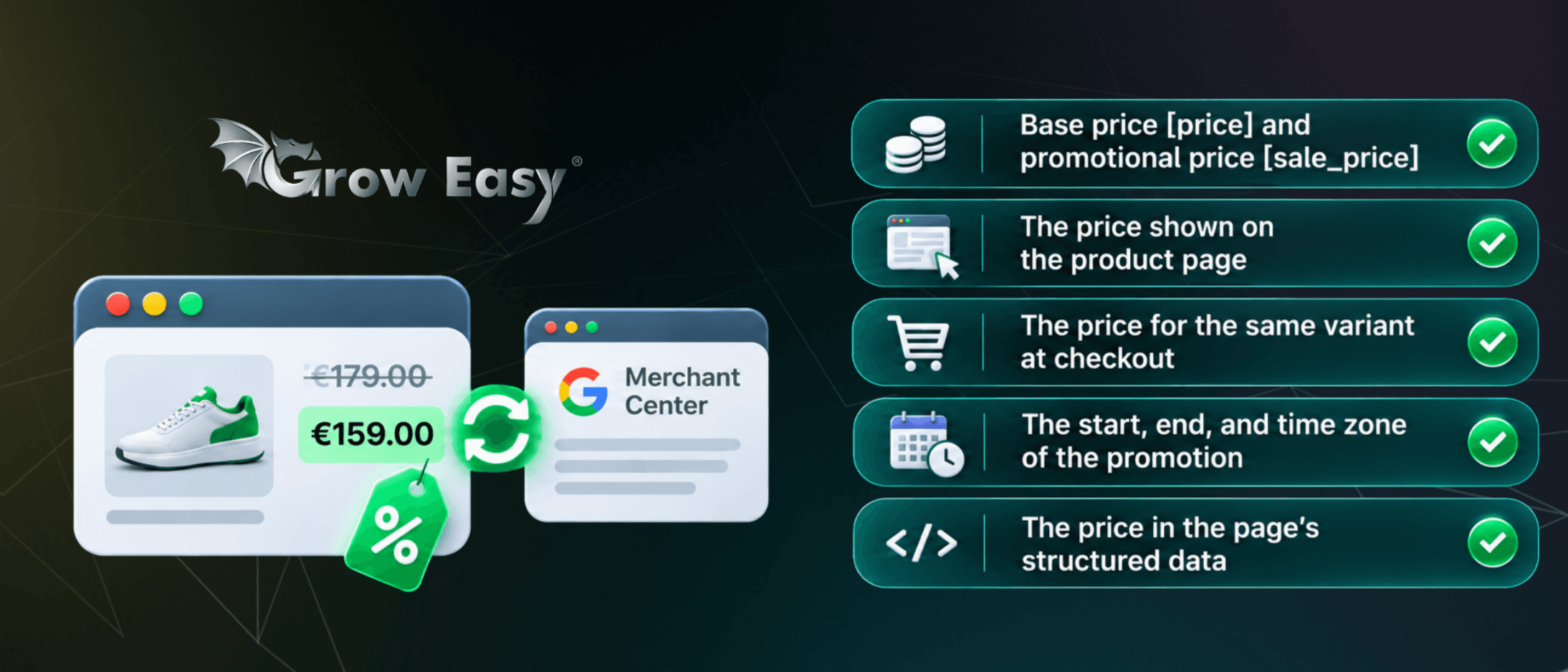
When investigating discrepancies, compare the following:
- The regular price [price] and sale price [sale_price].
- The price displayed on the product landing page.
- The price of the same product variant during checkout.
- The start time, end time, and time zone of the promotion.
- The price included in the page's structured data.
The last point is often overlooked by marketing teams.
Structured data is information included in a webpage's code that helps Google identify and understand product details.
Customers may see the updated price on your website while the structured data still contains the previous value.
This creates an inconsistency that may cause problems when Google checks the product.
Don't Forget to Check When a Promotion Ends
Businesses usually pay more attention to the beginning of a promotion than to what happens when it finishes.
However, if a discount ends on your website while the promotional price remains active in your product data, another mismatch can occur.
If you use the [sale_price_effective_date] attribute, verify the promotion's start and end times, including the configured time zone.
Also make sure that selecting a specific size, colour, or product bundle leads to the correct offer.
Consistency matters throughout the entire customer journey, not just on the initial product page.
Don't Overlook Product Availability
Google's warning also applies to frequently changing product availability.
A product with limited stock may sell out shortly after the most recent catalogue update, particularly during a busy promotional campaign.
Check how much time passes between the final sale of an item and the corresponding availability update in Merchant Center.
If your business operates multiple warehouses or sells through several channels, establish which inventory source determines whether a product is available for online orders.
Google recommends submitting product data more frequently when prices or availability change regularly.
Another approach is to organise updates immediately after changes occur on the website.
With a suitable technical integration, these updates can be managed through the Merchant API.
The goal is to reduce the time during which your online store and Merchant Center contain different information.
How Can You Make Product Data Updates More Reliable?
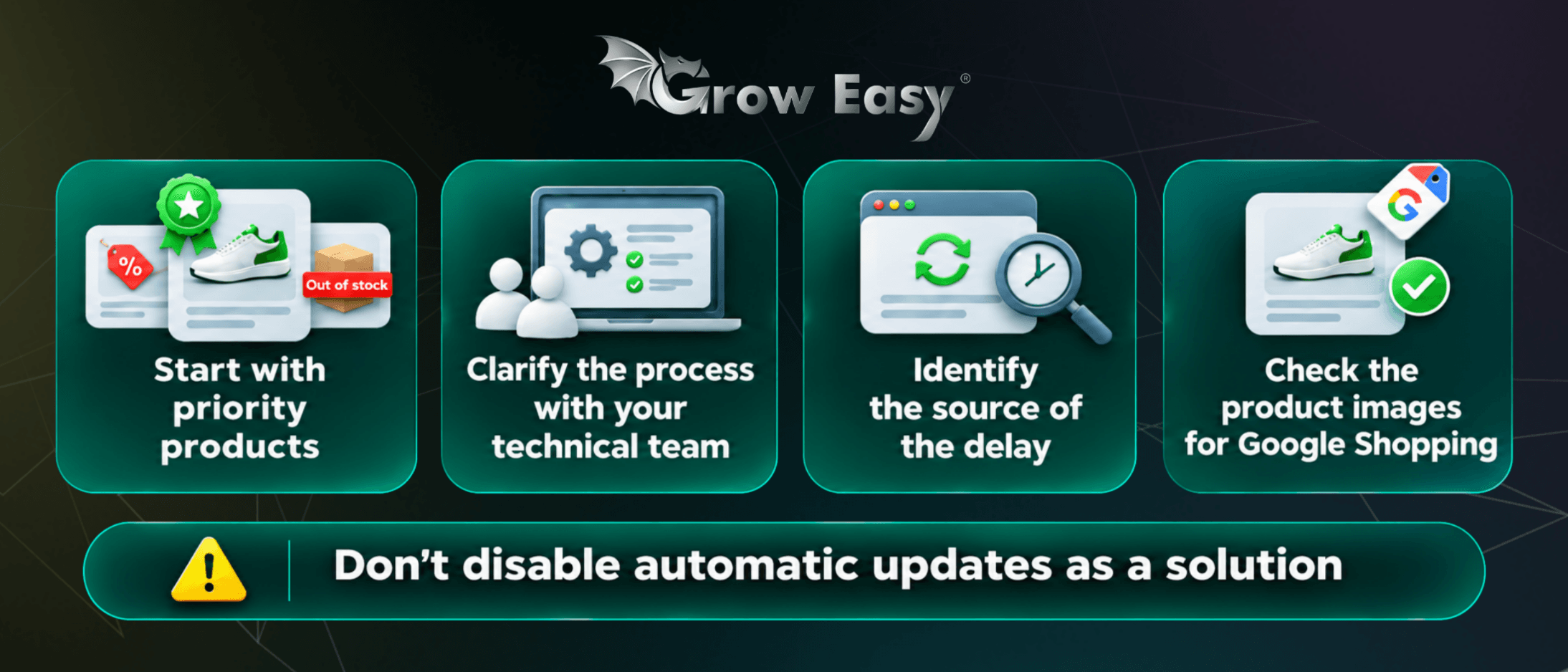
Start with your best-selling products, items included in short-term promotions, and products that frequently run out of stock.
These are a practical first group to review because inconsistencies can directly affect active sales opportunities.
Work with your technical team to establish how the product catalogue is generated, when updates are submitted, and who receives notifications when an update fails.
Check whether delays originate from:
- The online store itself.
- The integration or plugin connecting the store to Merchant Center.
- An outdated cached version of a product page.
- The processing of submitted product data.
Understanding where the delay occurs is essential before choosing a solution.
Disabling automatic item updates should not be treated as a quick fix. First, identify the source of the discrepancy and determine how to keep your product information consistent.
Once your prices and availability are accurate, continue reviewing other elements of your catalogue.
For example, check your product images for Google Shopping to make sure they meet the relevant requirements and accurately represent the products being advertised.
Product approval and advertising performance depend on more than pricing alone. Maintaining a reliable catalogue requires attention to the complete set of product information.
Prepare Your Product Catalogue Before the Next Promotion
Run a small test using a limited number of products.
Change a price or availability status, track when the updated information is submitted, and confirm what Merchant Center processes.
Record any delays you discover and repeat the test after implementing corrections.
This gives your team a clearer process before the next campaign begins.
Everyone should understand who is responsible for changing an offer, monitoring product data updates, and responding when something goes wrong.
The objective is not simply to avoid warnings in Merchant Center. It's to ensure that potential customers see accurate offers and can purchase the products being advertised.
At Grow Easy, we consider product data accuracy an essential part of effective advertising campaign management.
If your online store frequently changes prices or stock availability, get in touch with our team to discuss what should be reviewed before your next promotion.
Let's make sure customers find offers that are accurate, available, and ready to order!