Is your store ready for Google Shopping? Follow our 10-step checklist covering Merchant Center, product feeds, images, pricing, shipping and tracking.
Is Your Online Store Ready for Google Shopping? A 10-Step Checklist
Imagine Google Shopping becoming available in Bulgaria, and you're ready to start advertising your products. You open the Merchant Center, only to discover errors in your product catalogue, unsuitable images, or missing settings.
Instead of launching your campaign, you're fixing problems.
Preparing early can help you avoid exactly that situation.
At Grow Easy, we know that successful product advertising starts long before the first click. That's why we've created this practical 10-step checklist to help you prepare your online store for Google Shopping.
Why Should You Prepare Before the Launch?
Google Shopping is expected to expand its availability in Bulgaria. March 2027 has been mentioned in industry publications as a possible launch date for Bulgarian-language support, but Google has not officially confirmed it.
As of November 9, 2026, Bulgaria is not listed among Google's supported target countries for Shopping Ads and Free Listings.
For more details about the service and its anticipated availability, read our overview: Google Shopping in Bulgaria: When Will It Launch and How Can You Prepare Your Online Store?.
Now, let's focus on what you can do today.
Google Shopping Readiness Checklist: 10 Essential Steps
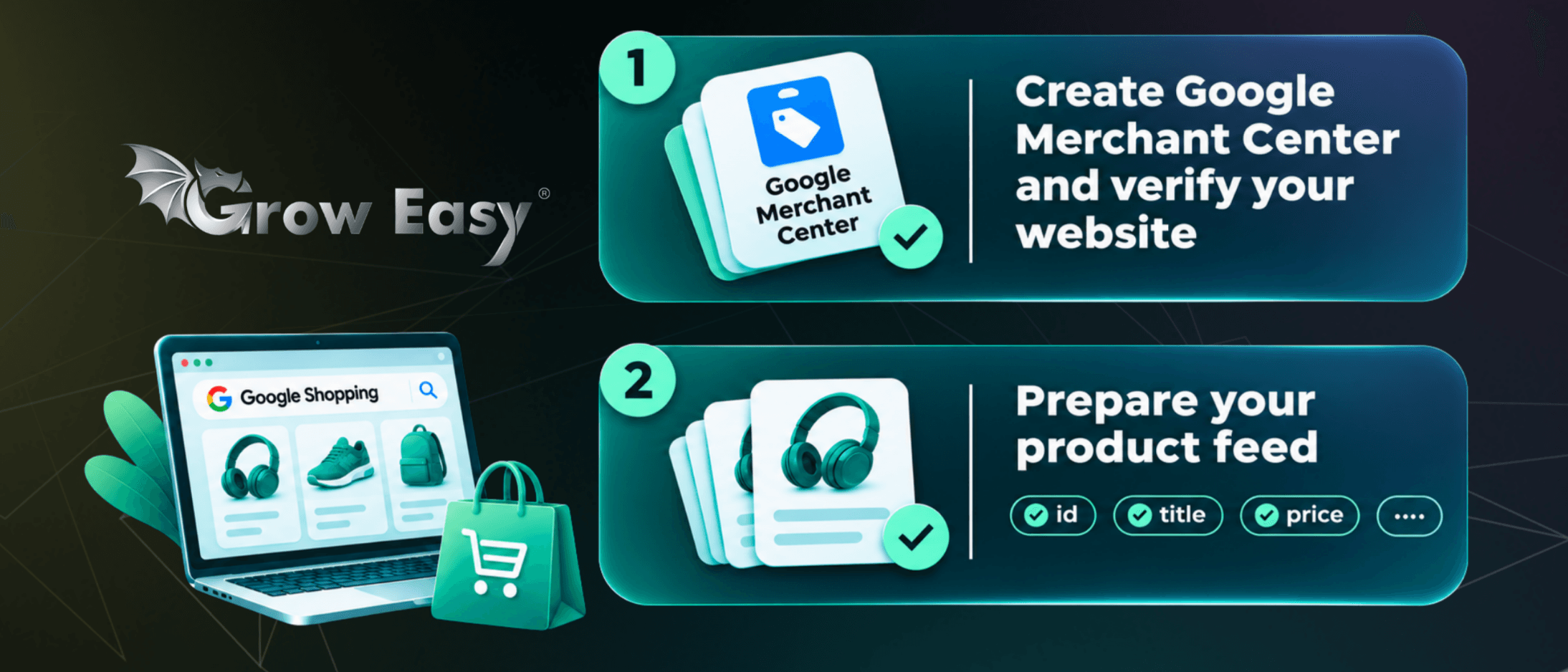
1. Set Up Google Merchant Center and Verify Your Website
What to do: Create a Google Merchant Center account, complete your business information, and verify your online store.
Why it matters: Merchant Center is where you provide Google with the product information needed for eligible Shopping Ads and Free Listings.
How to check: Open your Merchant Center settings and confirm that your website has been verified. Google may complete verification automatically or require an additional step.
2. Prepare Your Product Feed
What to do: Organize your product data so Google receives accurate and up-to-date information.
Key attributes include:
- id - unique product identifier;
- title and description - product name and description;
- link and image_link - product page and image URLs;
- price and availability - price and stock status;
- brand, gtin, or mpn - product identifiers, where applicable.
Why it matters: Missing or inaccurate information can limit product visibility or lead to disapproval.
How to check: Compare your product feed with your website. Pay particular attention to different sizes, colors, and product variations.
For more details, review Google's official product data specification.
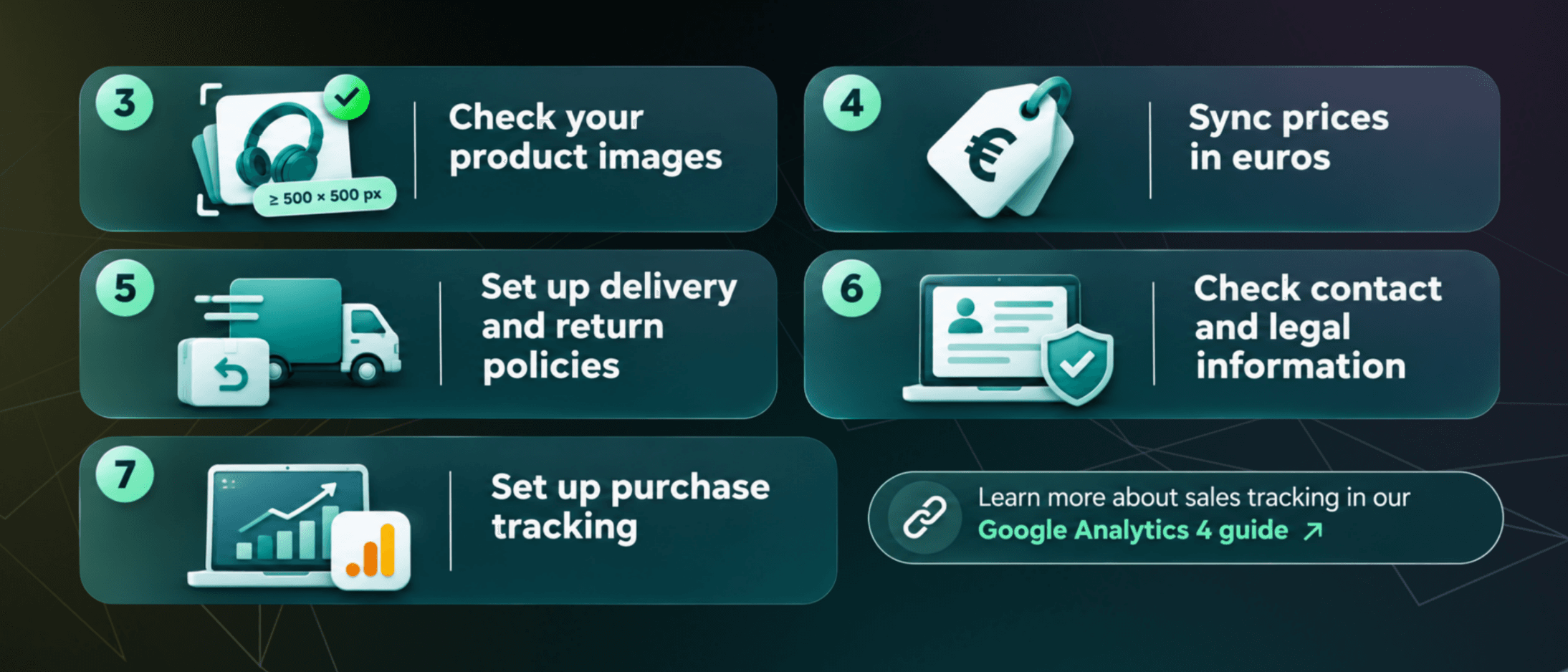
3. Check Your Product Images
What to do: Use clear, accurate images that show the actual product without misleading elements, watermarks, or promotional text.
Why it matters: Product images help customers understand what they're buying. Google is also introducing a 500 × 500 pixel minimum image size, with enforcement beginning on January 31, 2027, for images covered by the updated requirements.
How to check: Review the images of your best-selling products. Look for thumbnails, blurry files, inaccessible images, or photos showing the wrong product variation.
We've covered the upcoming changes in more detail in our article: Google Shopping: What Should You Check in Your Product Images?.
4. Make Sure Your Prices Match and Use Euros
What to do: Check that the prices in your product feed match those on your product pages and at checkout.
Why it matters: Bulgaria adopted the euro on January 1, 2026. Price or currency mismatches can cause problems with product listings.
How to check: Select several products, including discounted items. Compare their feed prices with the final prices displayed on your website and confirm that the currency is correct.
5. Review Your Shipping and Return Policies
What to do: Clearly explain delivery costs, shipping times, product returns, and refunds.
Why it matters: Google requires essential purchase information to be accessible to customers. Unclear policies can create approval issues.
How to check: Visit your store as a new customer. Can you quickly find out how much delivery costs, when your order will arrive, and how to return a product?
If this information is difficult to find, it's worth improving before launching any new campaigns.
6. Verify Your Contact and Legal Information
What to do: Make sure your website includes accurate business details, a working contact method, terms and conditions, and the necessary privacy information.
Why it matters: Google expects online retailers to provide transparent information about their business and purchasing conditions. Missing or misleading details may affect trust and approval.
How to check: Review your contact page, business information, and legal pages. Test your contact form and make sure everything is up to date.
7. Set Up Purchase Conversion Tracking
What to do: Prepare Google Analytics 4 and Google Ads conversion tracking.
Why it matters: Website visits alone don't tell you whether your advertising generates sales. You need to measure purchases, order values, and the results of your advertising investment.
How to check: Place a test order and confirm that the purchase event is recorded with the correct value and currency, without duplicate transactions.
Learn more about how we help businesses measure performance through Google Analytics 4.
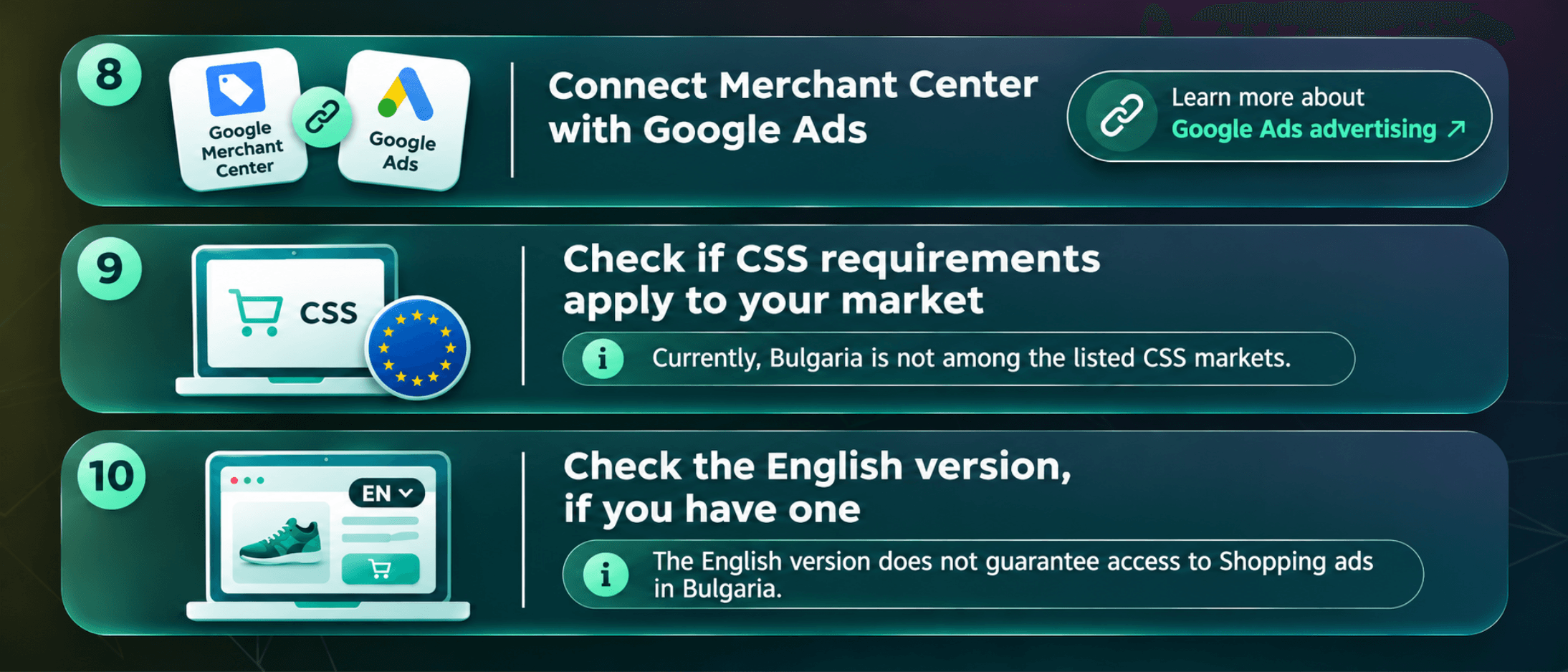
8. Link Merchant Center to Google Ads
What to do: Connect your Merchant Center and Google Ads accounts if you're planning to run paid Shopping campaigns.
Why it matters: Google Ads uses product information from Merchant Center to create Shopping campaigns.
How to check: In Merchant Center, open the settings for connected apps and services and confirm that the correct Google Ads account is linked.
If you're still planning your advertising strategy, explore our Google Ads management services.
9. Check Whether CSS Requirements Apply to Your Market
What to do: Review the Comparison Shopping Services (CSS) requirements if you plan to advertise in European countries where the program applies.
Why it matters: CSS rules apply to specific European markets, and the requirements are not identical across all countries.
How to check: Compare your target markets with Google's official CSS documentation.
Bulgaria is not currently among the listed CSS markets. Therefore, you shouldn't assume that choosing an external CSS partner will be mandatory when Google Shopping becomes available locally.
10. Review Your English Store Version, If Available
What to do: If your online store supports English, check whether the entire shopping experience is available in that language.
Why it matters: Google's language requirements apply to product data and essential elements of the product page and checkout process.
How to check: Switch your website to English and complete a test purchase.
Review product descriptions, buttons, navigation, the shopping cart, checkout, and purchase terms.
Important: Having an English-language store doesn't automatically make Shopping Ads available for Bulgaria. Google must officially support the country as a target market.
Common Mistakes That Can Prevent Product Approval
Even a well-prepared online store can run into problems if important details are overlooked.
Some of the most common issues include:
- Price or availability mismatches between the product feed and website.
- Images that are too small, inaccessible, or unsuitable under Google's product image requirements.
- Missing essential information about delivery, returns, or contacting the business.
- Incomplete product feeds or incorrectly configured product variations.
If you're already using Merchant Center, check the Needs attention section under Products. This is where Google highlights issues that require action.
And remember: product approval doesn't automatically mean your products can appear in every country. The target market must also be supported.
Is Your Store Ready? Find Out With Grow Easy
Google Shopping could open new opportunities for online retailers in Bulgaria. However, a successful launch will require more than an advertising budget.
Your product catalogue, website, and conversion tracking need to work together.
Preparing these elements now can help you avoid unnecessary delays when new advertising opportunities become available.
At Grow Easy, we can help you identify potential issues, assess your store's technical readiness, and prioritize the improvements that matter.
Want to know how ready your online store is for Google Shopping? Contact us for a free initial Google Shopping readiness assessment!