Explore Google’s new Gemini tools for small businesses. Learn how to prepare your brand assets, create consistent visuals and check the results
Google Adds New Gemini Tools for Small Businesses. How Can You Create Content That Reflects Your Brand Identity?
You generate an image with AI, like the result and publish it. But the next post uses different colours, another font and a photo that looks like an ad for a completely different company. Sound familiar?
In this article, Grow Easy explores the new Gemini tools for small businesses and how to use them to create content that reflects your brand identity. Creating visuals quickly becomes more valuable when customers recognise your business in every one.
What Has Google Announced for Gemini and Small Businesses?
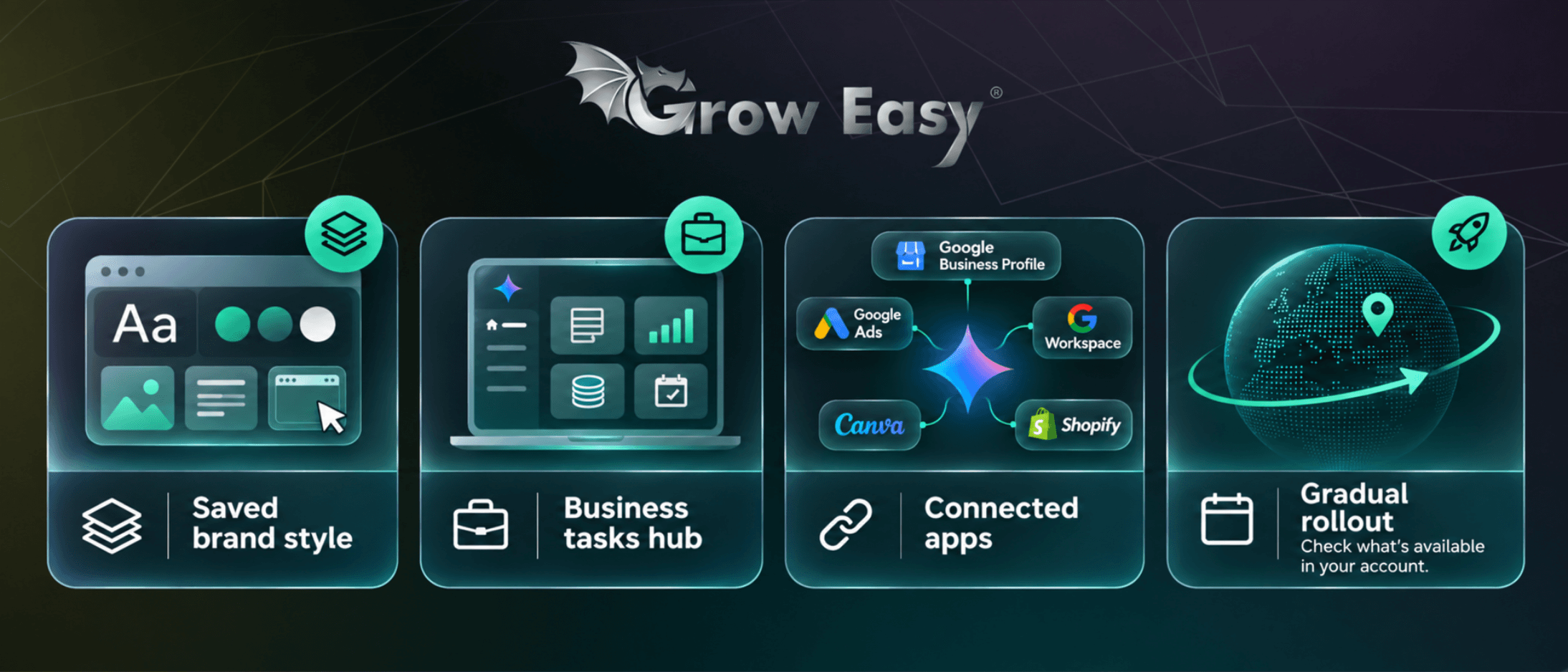
On 20 October 2026, Google introduced new Gemini tools for small businesses, including the ability to define and retain a brand’s visual style. This could reduce repeated instructions, provided you first establish what the tool should follow.
The updates include a dedicated business landing page, branded content creation, financial analysis and connections to other apps. Google names services including Google Business Profile, Google Ads, Google Workspace, Canva and Shopify.
Businesses can supply their website, brand materials, fonts or colour palette. According to the announcement, Gemini retains this style and uses it when generating images with Nano Banana 2.1.
Google announced a gradual global rollout for Gemini app users in the days following the announcement. That describes the intended reach, rather than confirming availability in every account. Check your account before planning a campaign around these features.
Why Is Brand Identity About More Than Colour?
Imagine a small bakery with cream backgrounds, natural lighting and close-up product photography. A glossy image with neon lettering might look impressive, but it would feel disconnected from the bakery’s website and shop window.
Brand identity includes colours, fonts and logos, alongside composition, mood, photography and tone of voice. Even an image using the correct green can feel wrong if a cluttered layout conflicts with the business’s simple, understated style.
A useful question is: “Would a customer recognise our brand before reading its name?” Use it when reviewing each visual, whoever created it.
What Should You Prepare Before Getting Started?
Gather your materials and identify the current versions. If your website displays an old logo, your presentation uses new colours and recent posts follow a third style, decide which direction is correct first.
Put Together a Short Brand Kit with Clear Examples
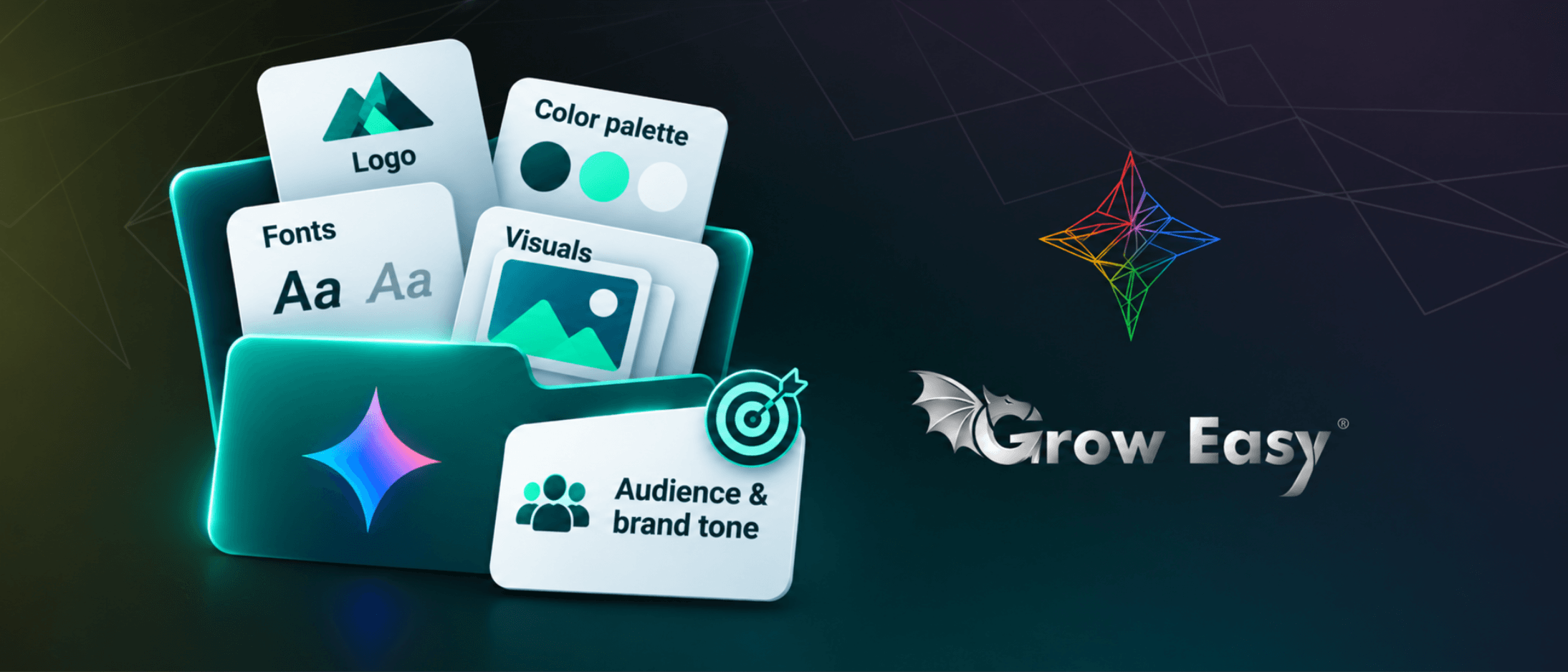
You do not need a huge document. Start with:
- Your current logo and placement guidelines.
- A colour palette with exact colour codes.
- Primary fonts that support the languages you publish in.
- Three to five approved visuals showing your preferred style.
- A short description of your audience, tone and elements to avoid.
Explain why the examples work. “We like this image” is less useful than “the product takes centre stage, the background is light and the text is easy to read on a phone”. This turns personal preference into practical guidance you can reuse.
How Do You Write a Brief That Produces Useful Results?
Once the visual style is established, define the purpose of the post. Explain what you are presenting, who it is for, where the image will appear and what action you want people to take. A product launch visual serves a different purpose from a service explanation or event reminder.
An Example of a More Useful Prompt
“Create three square post concepts for our new ceramic mug collection. Use the supplied product photos, a cream background and dark green accents. Preserve the mugs’ shape and colour. Leave space for a short headline. Keep the mood calm and homely. Do not add prices, discounts or other products.”
This gives the task direction and boundaries. The same principle applies to Google Ads campaigns: the visual should support the offer and the page it leads to. An attractive image is more useful when customers immediately understand what is being offered.
What Should You Check Before Publishing?
A saved style provides a starting point. Final review remains necessary, particularly when an image features a real product, contains text or promises a specific benefit.
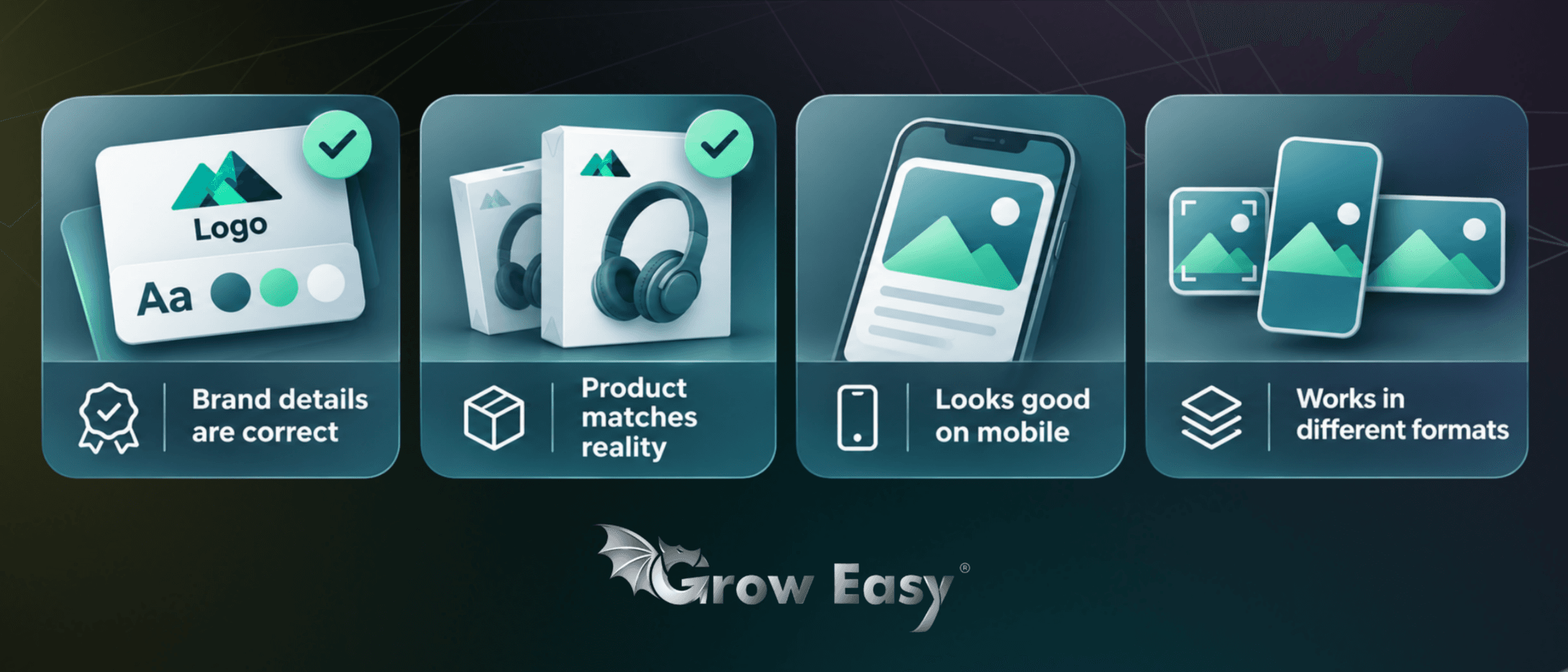
Check that the logo is unchanged, the wording is correct and the colours match your approved palette. Compare product shapes, packaging, labels and accessories with the original photo. Any invented feature needs correcting.
Open the image on your phone, too. Text that looks large enough on a monitor can become unreadable on a smaller screen. Check the crop for each format: a square post, vertical story and wide banner may need different layouts.
If the exact font or logo is difficult to reproduce, add it separately in a design tool. This lets you use the generated composition while retaining control over essential brand details.
How Can You Tell Whether the New Approach Helps?
Start with a small set of visuals for one campaign. Record the time spent preparing, editing and approving them. Track recurring mistakes and update your shared guidelines accordingly.
Then assess results against the goal. Reactions and profile visits can provide useful signals for an awareness post. For a sales campaign, follow interest through to product page visits, enquiries or purchases.
With properly configured Google Analytics 4, you can observe what visitors do after reaching your website. Compare variations under similar conditions. Changing the image, offer and audience simultaneously makes it harder to identify what influenced the result.
Make Your Brand Recognisable in Every New Visual
These new capabilities are a good reason to organise how you create content. Begin with current materials, a clear brief and a small test. Keep successful examples and refine your guidelines based on actual results.
At Grow Easy, we connect content with business goals, advertising campaigns and performance measurement.
If you want a more consistent presence and clear direction for your next campaign, get in touch.
Make every new visual help customers recognise your business and understand why to choose it!